Choosing the Right Pages for Your Small Business Website
Building a website for a small business is not about cramming every possible page onto the menu. It is about selecting the right ones so that visitors find what they need quickly and your business looks professional. Every page you add should serve a clear purpose: to inform, to build trust, or to move someone closer to getting in touch. For a small business operating in a competitive market, the difference between a site that works and one that frustrates often comes down to which pages you include and how you organise them.
Start with the Home Page
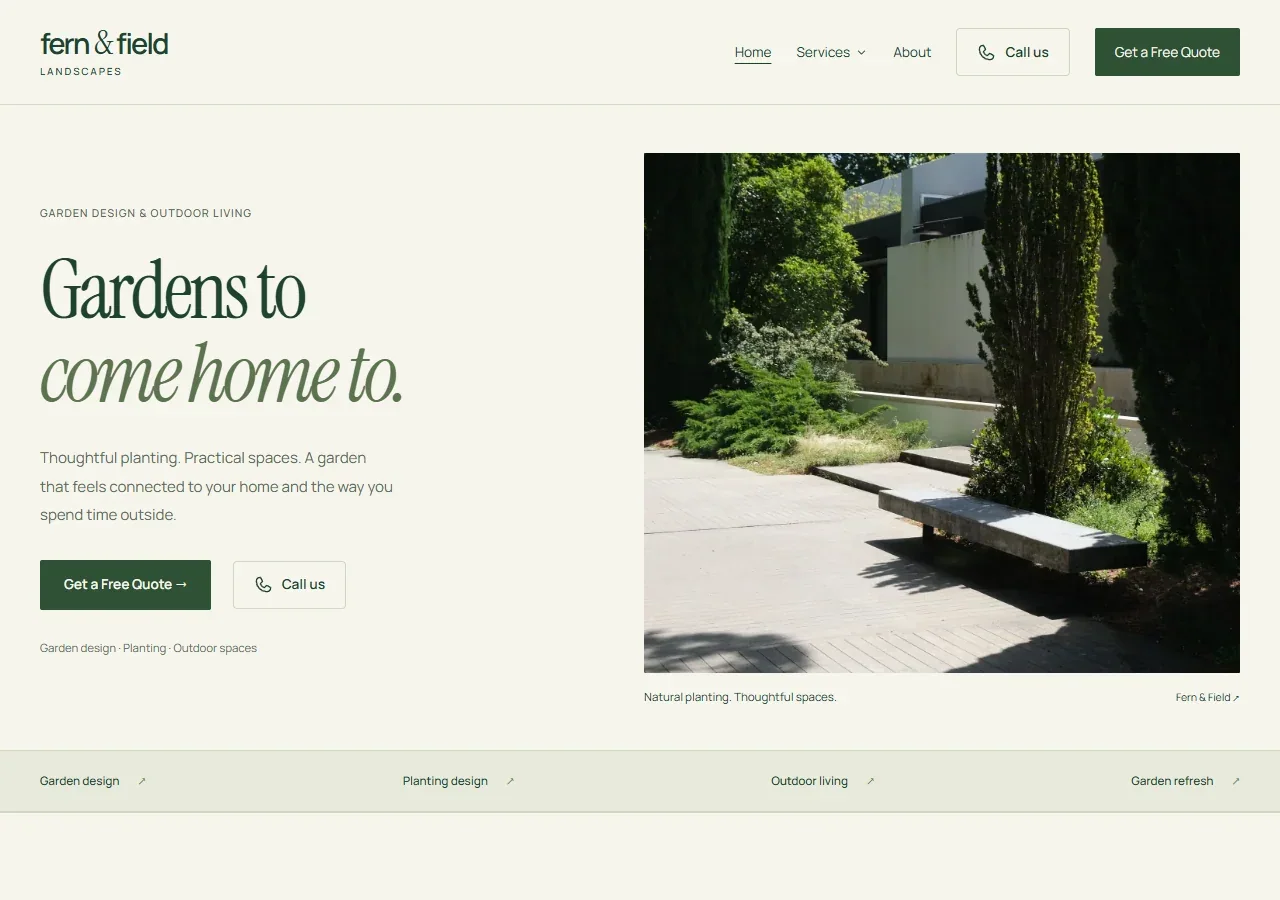
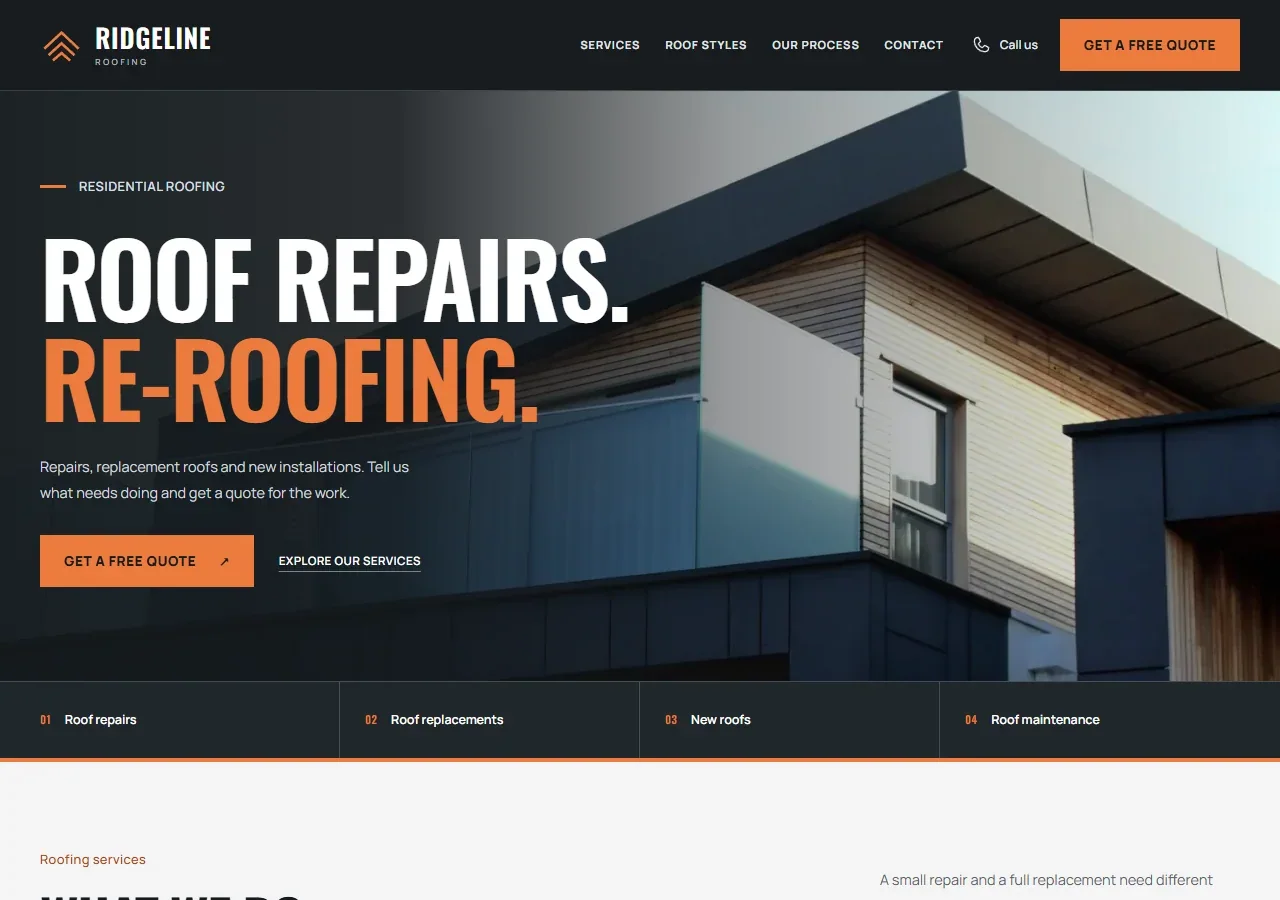
The home page is the front door. It should tell a visitor what you do, who you serve, and why they should stay. That sounds simple, but many small business home pages try to say too much. A clean layout with a strong headline, a short description of your main service, and a clear call to action works better than a page full of paragraphs. If someone lands on your site and cannot tell within a few seconds whether you can help them, they will leave.
Think of the home page as a signpost. It points to the most important sections of your site. It does not need to cover everything. What it does need is a logical path to the next page. That path might be a button that says "See our services" or "Get a quote." The wording matters less than the clarity. A visitor should never have to guess where to click next.
Service Pages: The Core of Your Site
Service pages are where you explain what you offer in detail. For a small business, one service page per main offering is usually enough. If you run a plumbing company, for example, you might have separate pages for residential plumbing, commercial plumbing, and emergency call-outs. Each page should describe the service, how it works, and what the customer can expect. Avoid vague language. Instead of saying "we provide quality solutions," say what you actually do: "we fix leaking taps, unblock drains, and install hot water systems."
When writing service pages, keep the customer in mind. They are not interested in your company history. They want to know if you can solve their problem. Include practical details such as the areas you cover, any special equipment you use, and what happens after they contact you. A well-written service page answers questions before the customer has to ask them.
About Page: Build Trust
An about page is not a biography. It is a chance to show why a visitor should trust your business. For a small business, this page works best when it focuses on the people behind the company and the values that guide the work. You can mention how long you have been operating, the team's experience, and what makes your approach different. Keep it professional but not stiff. A short paragraph about why you started the business can go a long way toward making a connection.
One common mistake is to turn the about page into a list of achievements. That can come across as boastful. Instead, tie your experience to the benefit it brings the customer. If you have been in business for ten years, say that it means you have seen many different situations and can handle unexpected problems. That reframes the fact as something useful to the reader.
Contact Page: Make It Easy
The contact page is often the most visited page on a small business website, yet many businesses treat it as an afterthought. A good contact page includes a contact form, a phone number, an email address, and a physical address if you have one. The contact form should ask for only the essential information: name, email, phone, and a brief message. Long forms discourage people from reaching out.
Mobile layout matters here more than on any other page. Many visitors will be on their phones when they decide to call you. If the phone number is not tappable, or if the form is hard to fill in on a small screen, you will lose leads. Test the contact page on a phone before you publish it. If you cannot easily tap the call button or submit the form, fix it.
Why a Portfolio or Case Studies Page Works
For service-based businesses, a portfolio or case studies page can be a powerful trust builder. It shows examples of your work and gives prospects a sense of what you can deliver. You do not need a large portfolio. Even three or four well-documented examples are enough. For each project, include a short description of the problem, what you did, and the result. If possible, add a photo or a screenshot.
This page is especially useful for businesses where the quality of work is hard to describe in words. A landscaper, a web designer, or a kitchen renovator can show before-and-after images that speak louder than any paragraph. If you are in a trade where the work is visible, a portfolio page is almost essential.

Blog or Resources Section: Add Value
A blog or resources section is not for every small business, but it can help if you want to attract visitors through search engines. The key is to write about topics that your customers actually search for. A plumber might write about how to prevent frozen pipes in winter. An electrician could explain the signs of faulty wiring. These articles do not need to be long. A few hundred words that answer a common question can be enough.
Do not start a blog if you cannot update it regularly. An abandoned blog with three posts from two years ago looks worse than no blog at all. If you decide to add one, commit to posting at least once a month. The content should be useful, not promotional. A blog that only talks about how great your business is will not attract readers.
Legal and Policy Pages
Most small business websites need a privacy policy and terms of service. These pages are required by law in many jurisdictions if you collect any personal information through forms, cookies, or analytics. Even if you are not legally required to have them, including them shows that you take data protection seriously. It also protects you if a dispute arises.
Write these pages in plain language. A privacy policy that is full of legal jargon is hard to read and may confuse visitors. There are many templates available online that you can adapt. Just make sure you customise them to reflect how your business actually handles data. If you use a contact form, say so. If you use analytics tools, mention them.
What to Leave Out
Not every page idea is worth implementing. A testimonials page is common, but it often looks like a wall of text that nobody reads. Instead, sprinkle a short testimonial on your home page or service pages where it supports a specific point. A separate page for each team member is usually overkill for a small business unless you have a large team with distinct roles. A single about page that introduces the key people is enough.
Another page to avoid is a dedicated FAQ page that simply repeats information already on your service pages. If you have questions that come up repeatedly, add a short FAQ section at the bottom of the relevant service page. That keeps the information close to where the reader is and reduces the number of pages they have to navigate.
Putting It All Together
When you plan the structure of your small business website, start with the pages that serve the most important goals: telling visitors what you do, showing them you can be trusted, and making it easy to contact you. A site with a strong home page, clear service pages, a genuine about page, and a straightforward contact page will outperform a site with dozens of pages that are poorly organised.
If you are working with a web designer, talk through the purpose of each page before it is built. A good designer will ask what you want the visitor to do on each page and will design the layout around that goal. For small businesses in Auckland, working with a local team like Sorted Web can help ensure the site is built with the right pages from the start. They focus on creating websites that are practical and easy to maintain, which is exactly what a small business needs.
Once the pages are in place, review them every few months. Business offerings change, and your website should reflect that. A service you no longer offer should be removed. A new service should get its own page. Keeping the site current is an ongoing task, but it is one that pays off in better search rankings and more customer inquiries.